 CamCutStudio
Make your movie. Make your tutorial. Broadcast your event. All in one.
CamCutStudio is one app for all three. Record your screen and camera, edit on a real timeline, and go live to the people waiting for you, without switching tools.
Free. For Mac, iPhone and iPad. Android comes later.
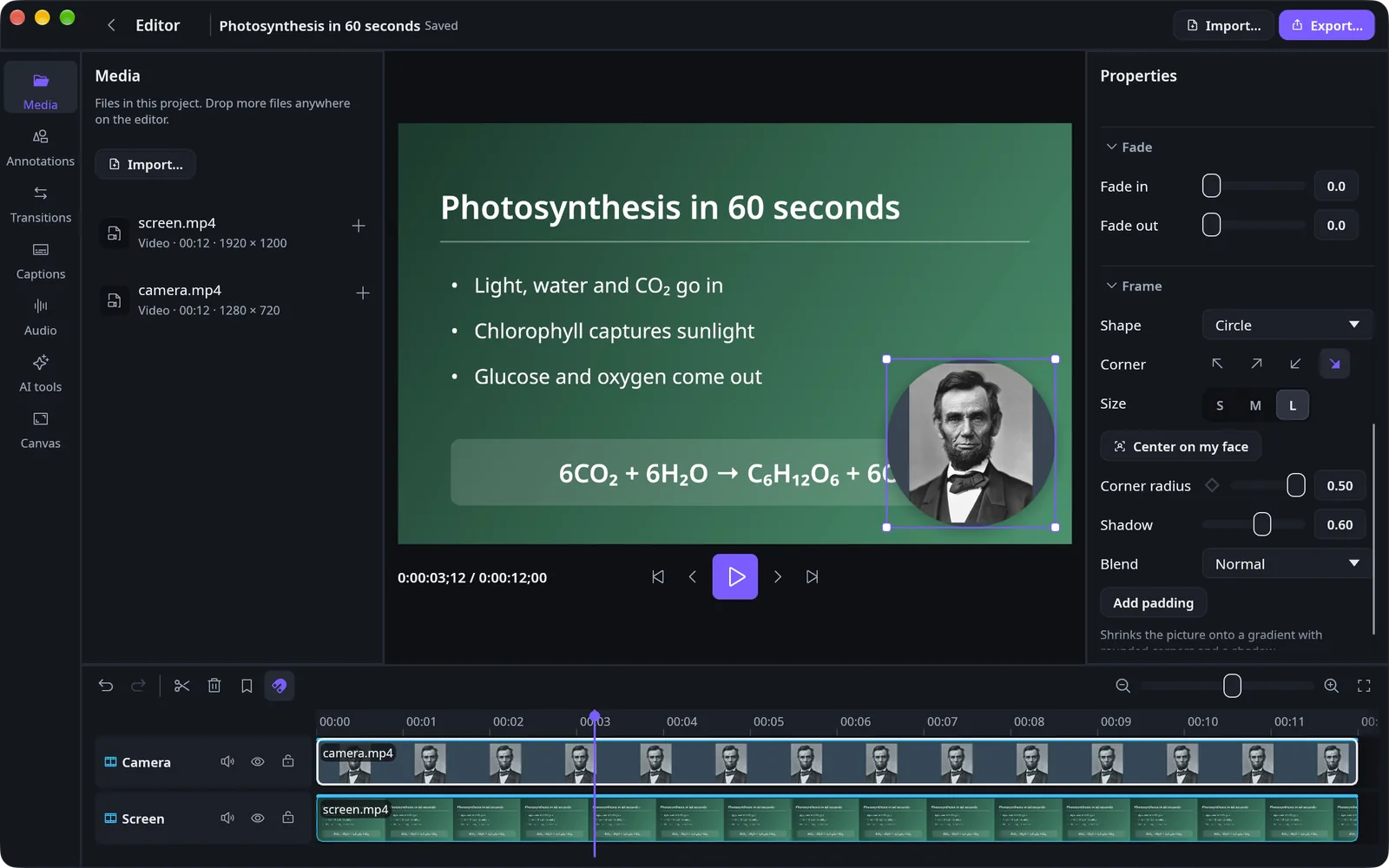
Making a movie
A real editor, not a trimmer.
Bring in your videos, pictures and sound, then build the story clip by clip on a timeline with filmstrips and waveforms.
- Split, trim, move, copy and paste across many tracks, with undo
- Transitions, fades, animated titles and colour looks
- Speed changes, reverse and freeze frames
- Green-screen keying and blend modes
- Noise reduction, ducking and voice effects
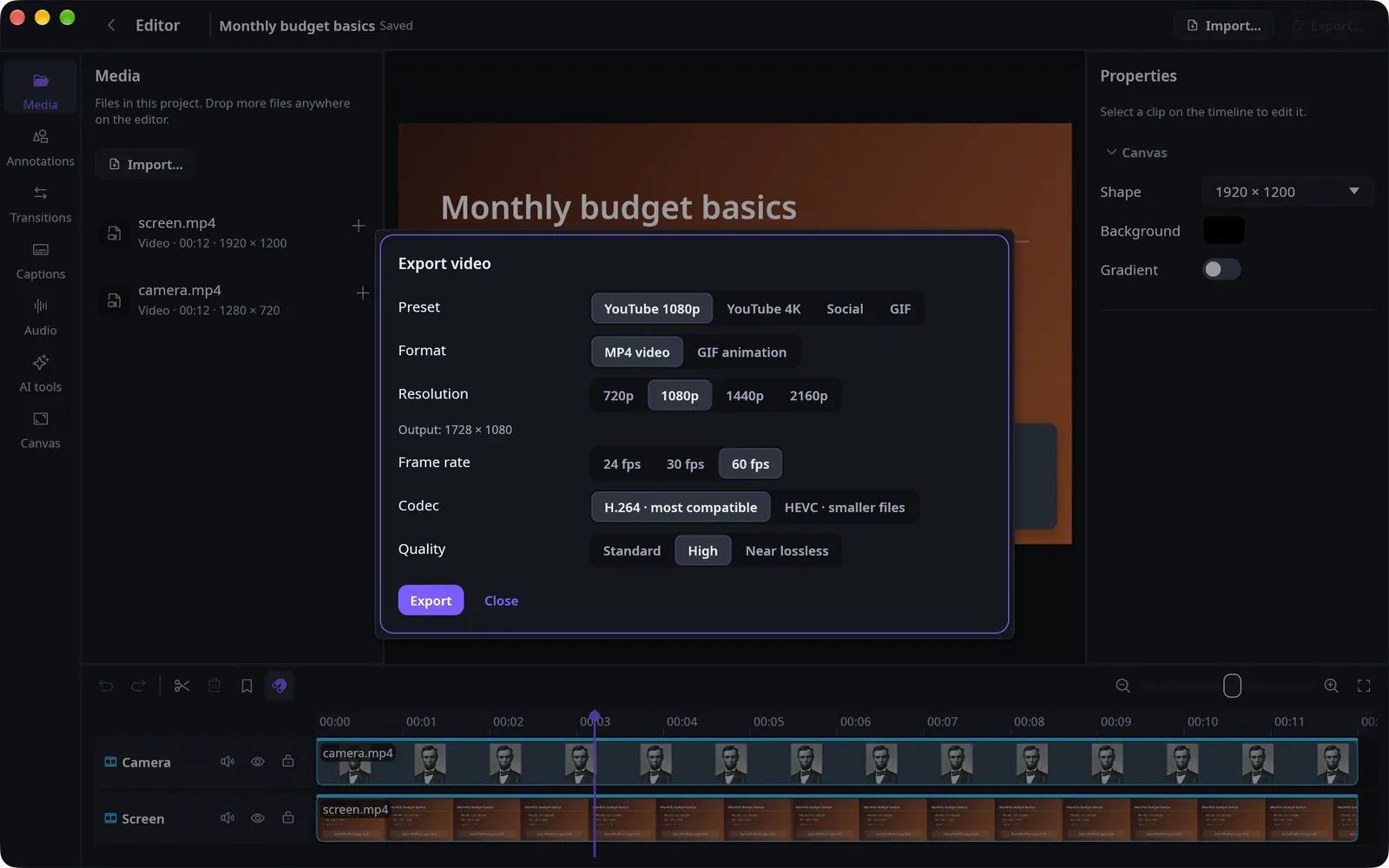
- Export MP4 up to 4K, or an animated GIF
Making a tutorial
Show it once. Make it clear.
Record the whole screen, one window or any area, with your camera, microphone and computer sound each on its own track.
- Automatic zoom that follows your clicks, with a smooth cursor
- Draw while you record: pen, highlighter, shapes, notes and a laser pointer
- Show the shortcuts you press as on-screen badges
- Captions from your speech, in English, Bangla and more
- Find pauses and filler words, review them, then cut
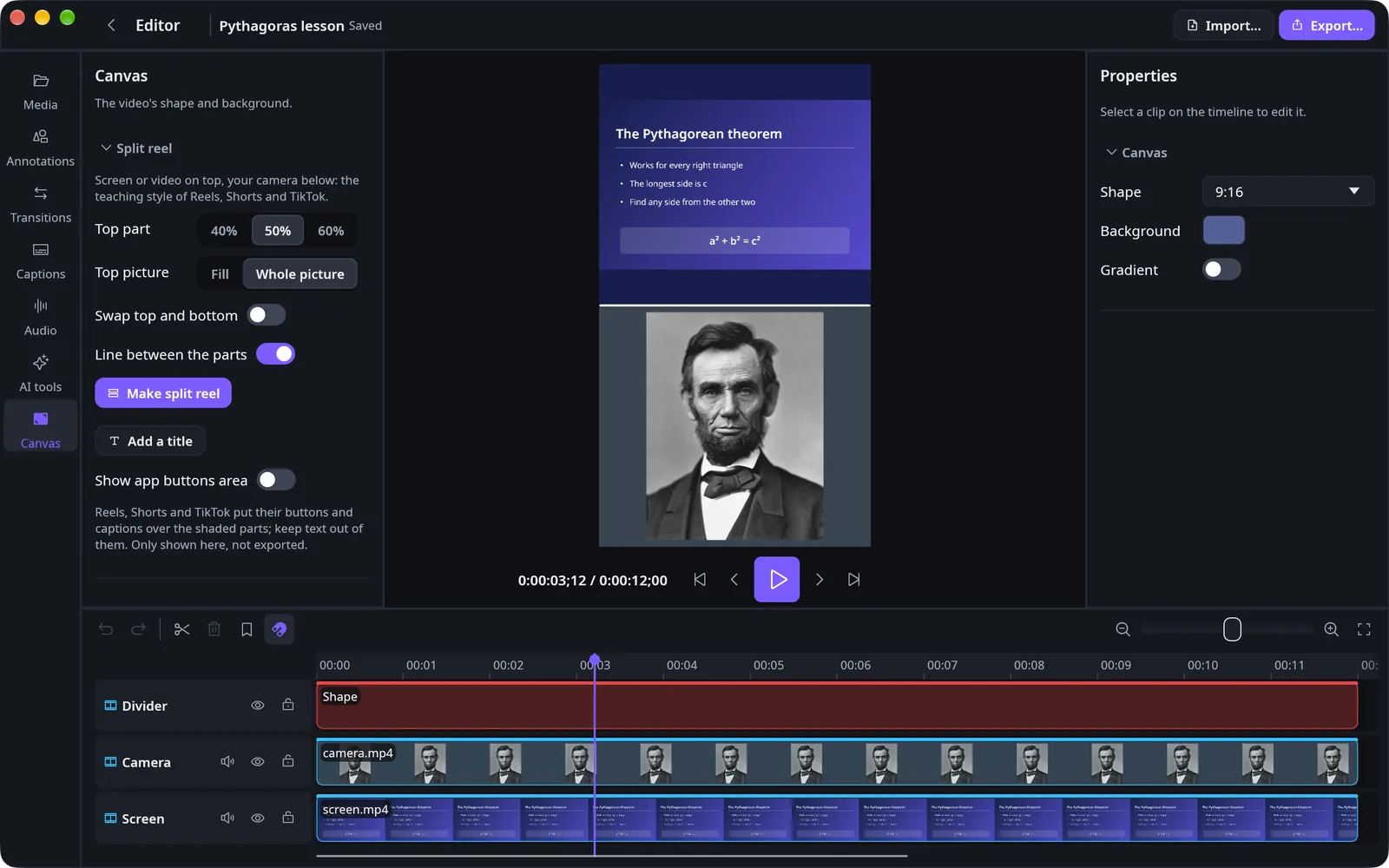
- Teaching reels in 9:16: the screen on top, you below
Broadcasting your online event
Go live from the same app.
A class, a launch, a talk or a community event: stream it where your people already are, and keep the recording to edit afterwards.
- Stream to YouTube, Facebook, or any RTMP or RTMPS address
- Switch scenes while you are live
- Mix your microphone and computer sound, with level meters
- Save a copy as you stream, ready to open in the editor
- On iPhone and iPad, broadcast the whole device or just the app
Scenes
Goes out to
Stays with you
Your work stays yours.
No account
Open the app and start. There is nothing to sign up for, and no ads.
On your device
Recordings and projects stay on your device. Speech captions run there too, after the model downloads once.
You decide
Anonymous usage and crash reports are sent only if you allow them. Read the privacy policy.
Questions
When can I get it?
CamCutStudio is being prepared for the App Store now. The Mac, iPhone and iPad versions will arrive together, and the download link will appear on this page.
How much does it cost?
The first release is free, with no in-app purchases.
Which devices does it work on?
Macs with macOS 13 or later, and iPhones and iPads with iOS 18.2 or later. Android comes later.
Do the Mac and iPhone versions do exactly the same things?
They share the same engine and most tools, but they are not identical: a phone has no mouse cursor to follow, for example. The App Store page for each version will list what it includes.
Which languages does it support?
The app is in English and Bangla. Speech captions work in many more languages.
Where do I get help?
Write to us from the support page.